
IndicatorMT5MT4$30
MQLTeam Currency Power
See which of two currencies leads — basket gap in pips
Learn more →Move over a drawing — it selects itself automatically
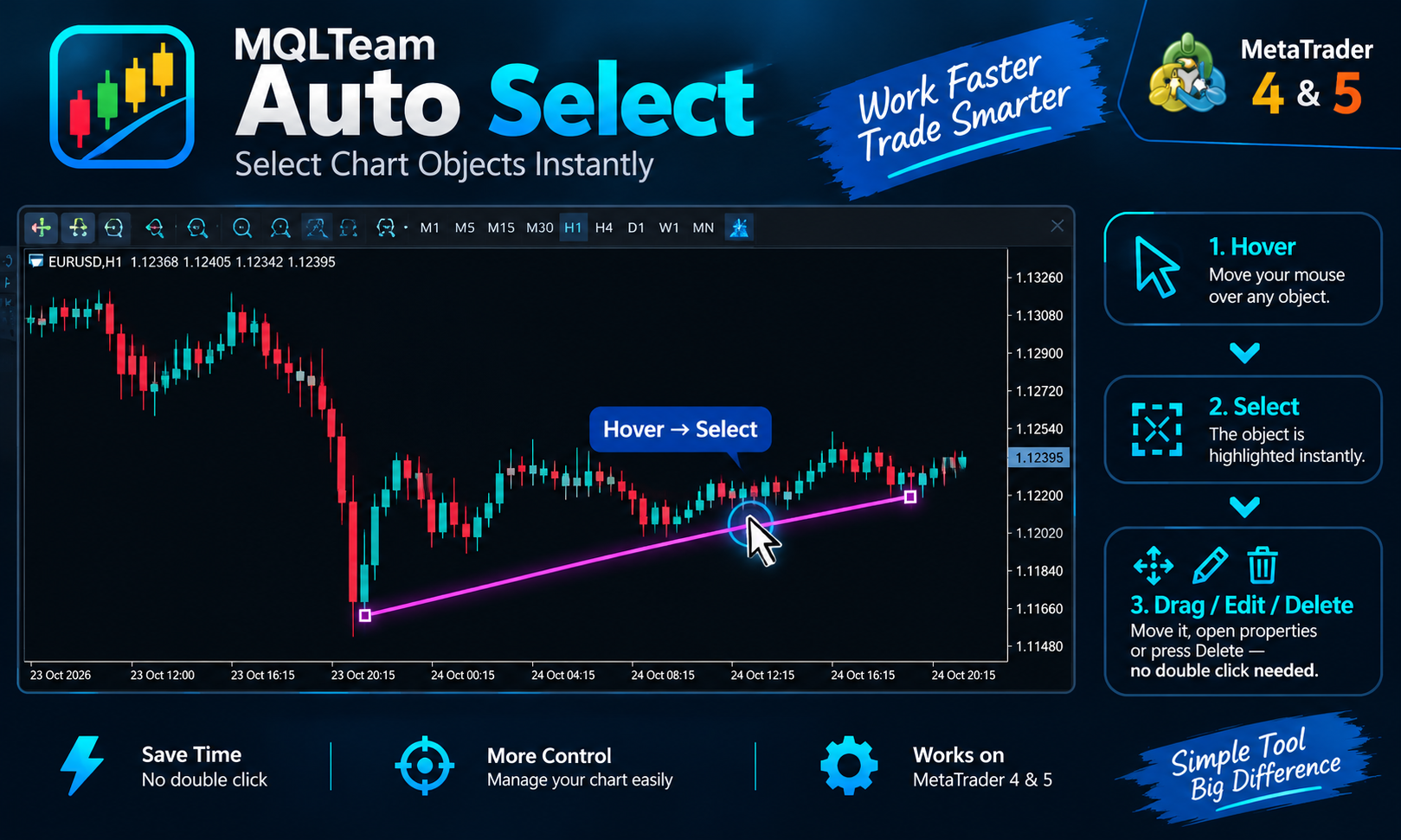
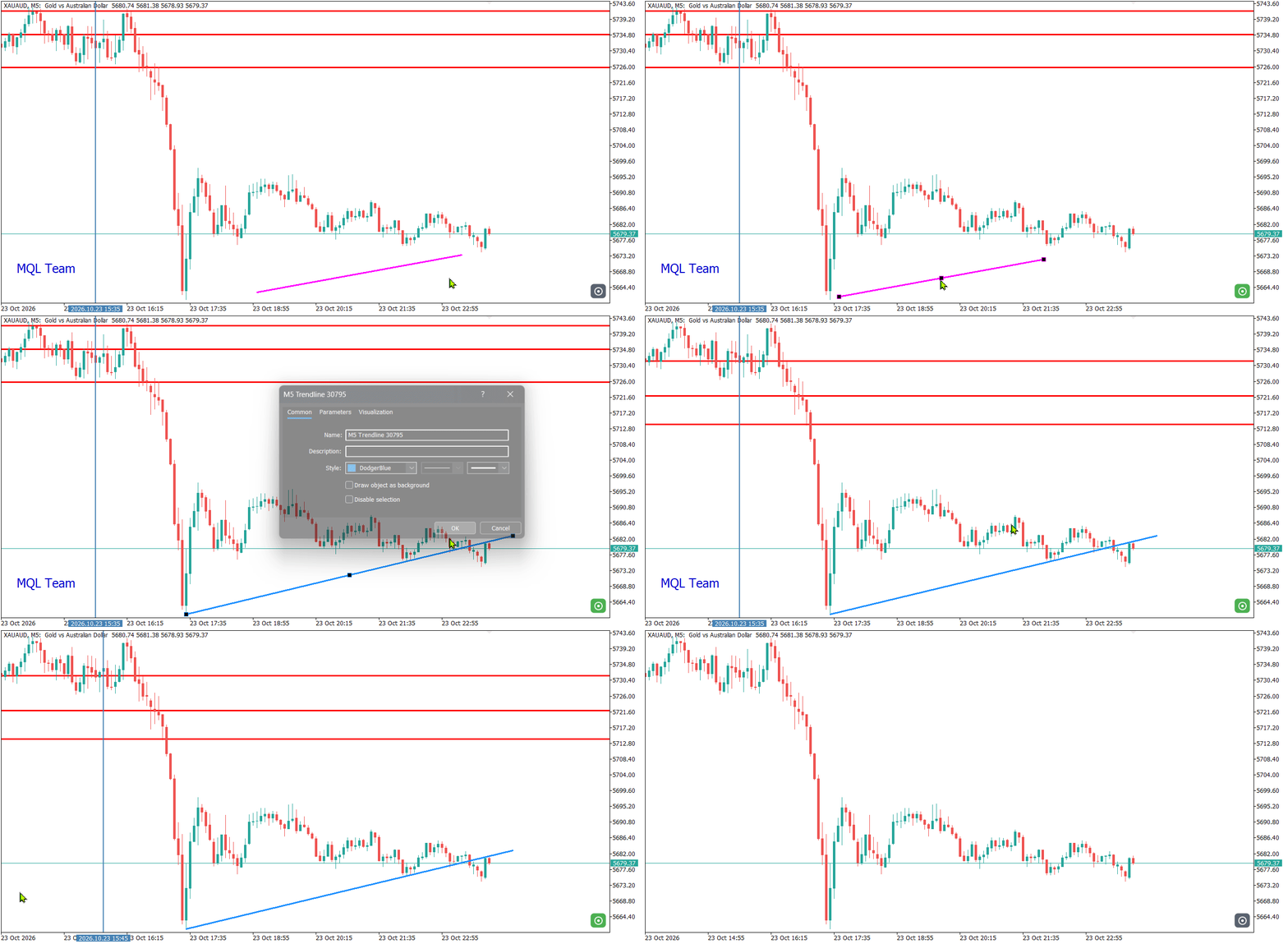
MQLTeam Auto Select is a chart utility that automatically selects drawing objects when the mouse moves over them. Once selected for you, drag, open properties, or press Delete — without a double-click first.
Attach it once, leave the button green, and keep working with lines and shapes as usual. Built for faster chart editing, not for trade signals or automated trading.
Selection uses the first two time/price anchors of the object. Objects that need more than two anchors — such as channels, triangles, and Andrews pitchforks — are not selected in this version. Use the usual MetaTrader selection for those until a later update.
The same tool runs on MetaTrader 5 and MetaTrader 4.
| Platform | Price | Market |
|---|---|---|
MT5 | FREE | Download from Market |
MT4 | FREE | Download from Market |
See which of two currencies leads — basket gap in pips
Learn more →

See your session time on the chart — not only the broker clock
Learn more →