
UtilityMT5MT4FREE
MQLTeam Auto Select
Move over a drawing — it selects itself automatically
Learn more →Soft area fill under the close — mountain look on candles
1 of 4
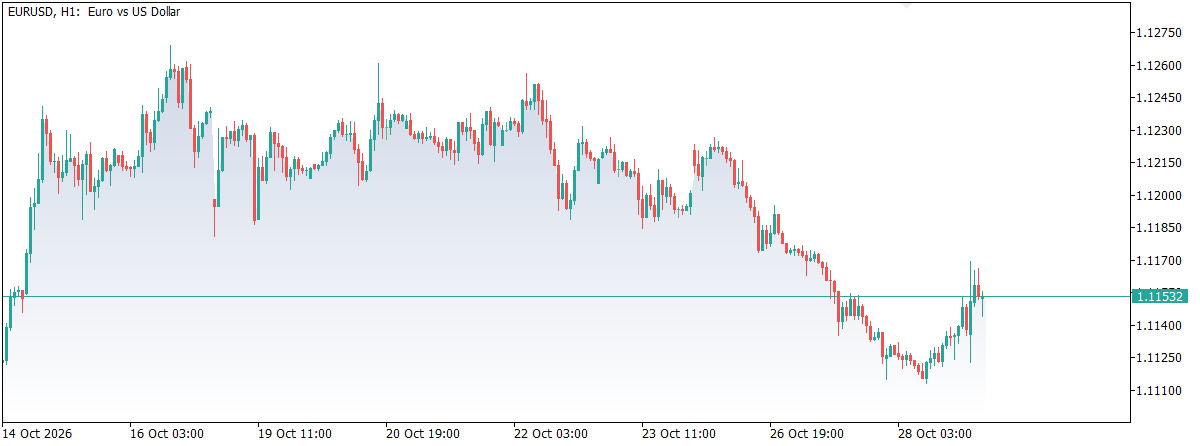
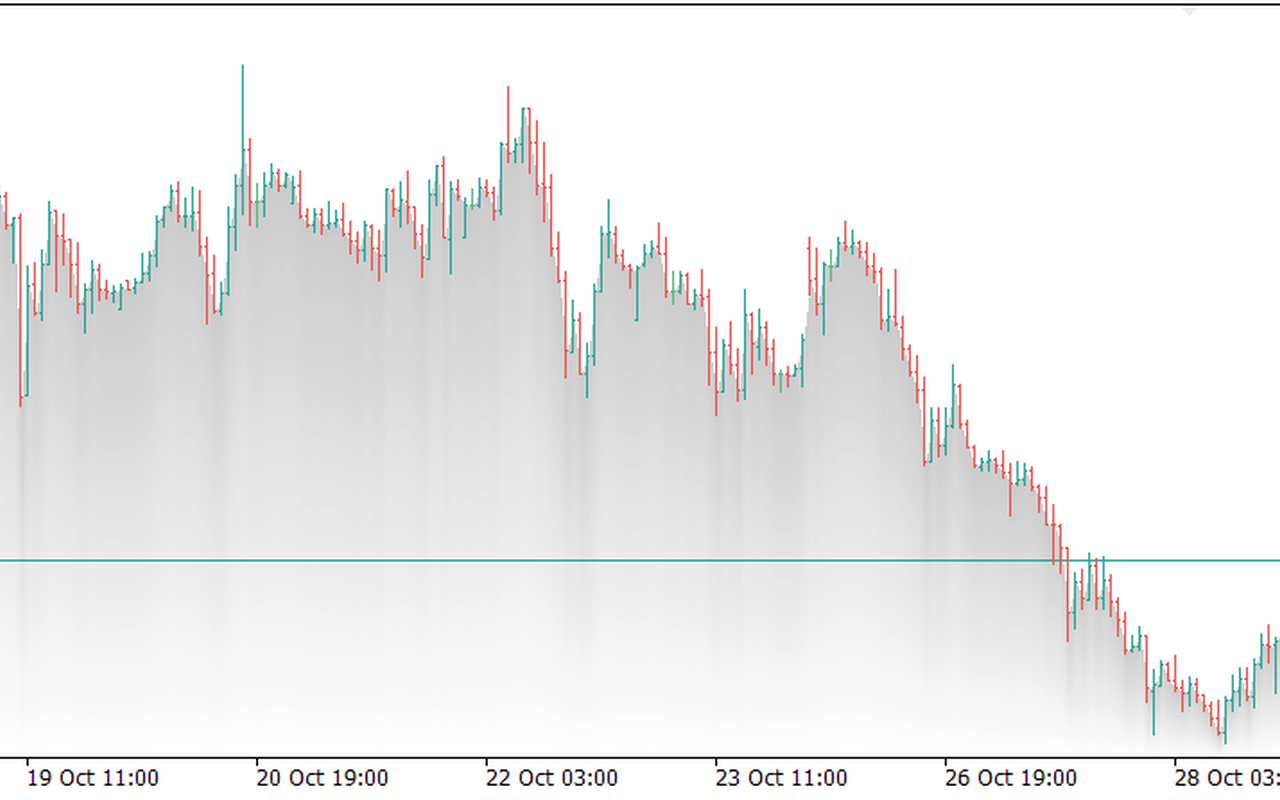
MQLTeam Close Area draws a soft area fill under the close line on your candle chart — the familiar area chart / mountain chart look, without replacing your candles. It is a visual underlay for reading closes.
Attach it once. The fill follows visible closes and fades smoothly down the price window. The default color is a neutral steel blue so the chart is not biased toward bull or bear tones. Optional bull/bear coloring paints each segment from that candle’s direction.
Fade mode From_chart_top (default) maps strength by height in the window; From_close is strongest at the close line and fades downward. Strength 0–100 controls how solid the fill looks. An on-chart Area button matches the active fill color when on.
While you scroll the chart, the fill hides briefly and redraws when the view settles, so it does not stick in the wrong place.
Free for MetaTrader 5. Use it to make the close path easier to see — then confirm with your own method.
Follow MQLTeam on MQL5: https://www.mql5.com/en/channels/mqlteam
| Platform | Price | Market |
|---|---|---|
MT5 | FREE | Download from Market |
Move over a drawing — it selects itself automatically
Learn more →
See which of two currencies leads — basket gap in pips
Learn more →